Unity CLI & AI: 98% of Commands from Coding Agents

Key Takeaways
- •The Quiet Revolution: AI in Your Development Pipeline
- •Key Takeaways from Unity's Data
- •Why This Matters for Game Developers
As game developers, we're constantly on the lookout for tools and workflows that can streamline our processes, accelerate iteration, and ultimately help us build better games. The conversation around AI in game development has been buzzing for a while, often focusing on content generation, in-game AI, or even AI-powered testing. But a recent revelation from Unity's blog has shifted the spotlight to a less glamorous, but incredibly impactful, area: the Command Line Interface (CLI).
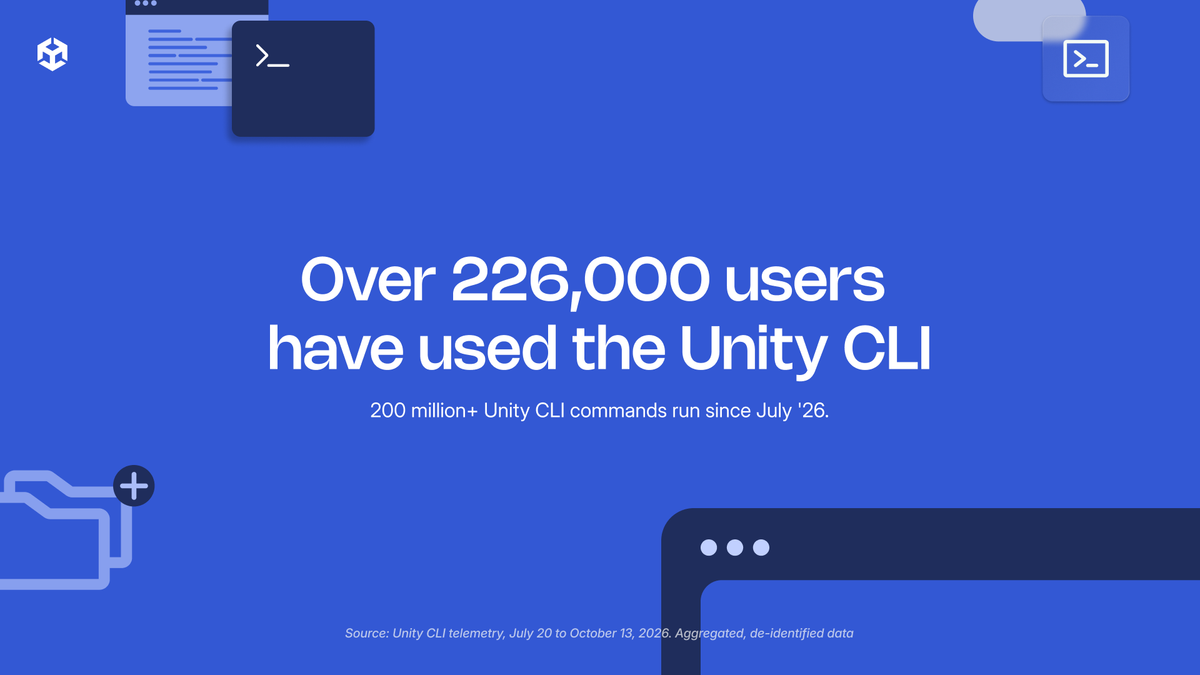
Unity's latest data, gleaned from over 200 million CLI events, reveals a staggering statistic: 98% of these runs originate from AI coding agents and automation. This isn't just a trend; it's a fundamental shift in how developers interact with their engine, signalling a deep integration of AI into the core development workflow. For me, as Vikas Singh, this isn't just news—it's a mirror reflecting the future of our craft.
The Quiet Revolution: AI in Your Development Pipeline
When we talk about AI in game development, many envision sophisticated asset generation or complex NPC behaviors. However, this Unity data points to something far more foundational: AI is becoming an invisible, yet indispensable, partner in the daily grind of coding and project management. The CLI, often seen as the domain of seasoned programmers and automated scripts, is now predominantly operated by intelligent agents.
What does this truly mean? It implies that routine tasks, build processes, asset management, and even initial code scaffolding are increasingly being delegated to automated systems. This isn't about replacing developers; it's about augmenting our capabilities, freeing us from repetitive tasks, and allowing us to focus on the creative and complex challenges that truly require human ingenuity.
Key Takeaways from Unity's Data
The Unity blog post highlights several crucial aspects of this AI-driven CLI usage:
- Overwhelming Automation: The 98% figure is a loud statement. It indicates that manual CLI interactions are becoming a rarity. Most developers are either leveraging existing automation tools or building their own AI agents to manage their Unity projects.
- Top Commands Reveal Priorities: While the article doesn't list all specific commands, it generally points to common tasks like building projects, managing packages, running tests, and importing assets. This suggests AI is handling the "grunt work" of project maintenance and compilation.
- Diverse AI Agents: The fact that various "AI coding agents" are mentioned implies a growing ecosystem of specialized tools, from general-purpose AI assistants to highly customized scripts designed for specific studio pipelines.
- Ubiquitous Adoption: This isn't a niche trend. 200 million events represent a significant volume, indicating widespread adoption across the Unity developer base.
Why This Matters for Game Developers
This significant shift has profound implications for how we approach game development:
1. Enhanced Efficiency and Faster Iteration
The most immediate benefit is efficiency. Imagine reducing build times, automating routine checks, and streamlining deployment processes. AI agents can execute these tasks faster and with fewer errors than manual intervention.
This increased efficiency directly translates to faster iteration cycles. Developers can implement changes and see their effects more quickly, leading to more refined gameplay and fewer bottlenecks.
2. The Rise of "DevOps for Games"
This trend solidifies the importance of DevOps principles in game development. Integrating AI into the CLI is a natural extension of continuous integration (CI) and continuous delivery (CD) pipelines. Automated agents can monitor code changes, trigger builds, run tests, and even deploy to various platforms, all with minimal human oversight.
For studios, this means investing in robust automation infrastructure and potentially hiring or training developers with strong scripting and AI integration skills.
3. A Shift in Developer Skillsets
While the fundamentals of game design and programming remain crucial, the ability to orchestrate AI and automation will become increasingly valuable. Developers will need to understand how to:
- Write effective scripts and automation pipelines.
- Integrate AI coding agents into their workflow.
- Debug and maintain automated systems.
- Leverage AI for code generation and refactoring (where appropriate).
This doesn't mean every developer needs to be an AI expert, but understanding the capabilities and limitations of these tools will be essential.
4. Democratizing Complex Tasks
AI-powered CLI tools can democratize access to complex operations. Tasks that once required specialized knowledge of command-line arguments or intricate scripting can now be simplified or automated entirely, lowering the barrier to entry for certain aspects of development.
Challenges and Considerations
Of course, this shift isn't without its challenges:
- Setup Overhead: Initial setup and configuration of AI agents and automation pipelines can be time-consuming.
- Maintenance: Automated systems require maintenance and updates, especially as engine versions or project requirements change.
- Debugging Complex Chains: When something goes wrong in an automated pipeline, debugging can be more complex than debugging a manual process.
- Security: Relying heavily on external or internal AI agents means ensuring their security and preventing malicious code injection or unintended actions.
- Loss of Granular Control: Over-reliance on automation might sometimes lead to a feeling of losing direct, granular control over specific processes, requiring developers to trust the automated systems implicitly.
The Future is Automated, and AI-Powered
The Unity CLI data is a powerful indicator that AI's role in game development is rapidly evolving beyond just creative assistance. It's becoming an integral part of the operational backbone, silently powering our workflows and enabling us to build more efficiently.
For us, the developers, this means a fantastic opportunity to offload the mundane and embrace a more creative, problem-solving role. It's time to explore how AI coding agents can be integrated into our own pipelines, whether through existing solutions or by crafting custom automation. The future of game development, it seems, is not just about writing code, but about teaching machines to write it alongside us, through the humble, yet powerful, command line.
What are your thoughts on this? Are you already using AI agents in your Unity CLI workflows? Let's discuss in the comments!
At White Cube Studios, we translate technical architecture into shipping systems across our specialized development pillars: