Optimizing Your Phantom Blade Zero Launch: A Global Release Time Guide

Key Takeaways
- •The Nuance of Global Game Launches and Regional Release Times
- •Strategies for Identifying Your Region's Phantom Blade Zero Release Time
- •Pre-Launch Preparation Checklist for a Seamless Experience
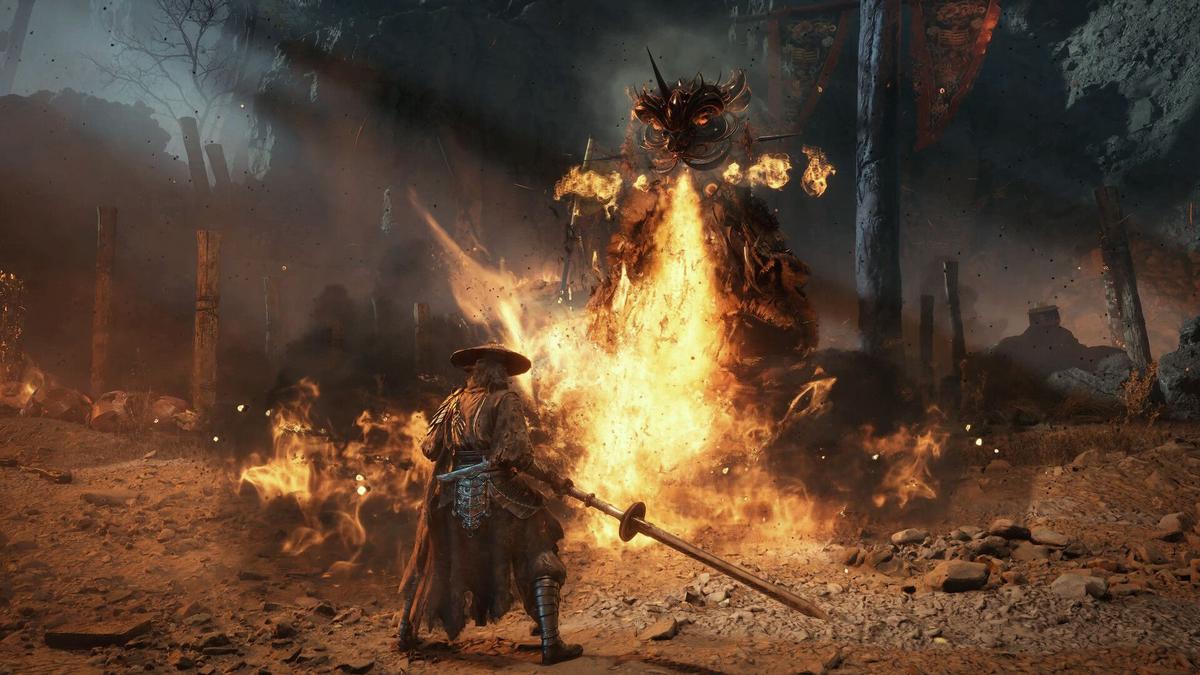
Phantom Blade Zero has captivated the attention of many in the gaming community, promising a thrilling journey through a world of Wulin's monsters and martial masters. As game developers, we understand the immense anticipation that builds around a new title, and few things are as crucial for a smooth launch experience as knowing exactly when you can dive in. This guide will walk you through the intricacies of global game releases, explain why understanding regional launch times is paramount, and provide a comprehensive checklist to ensure you're ready to battle the moment Phantom Blade Zero goes live in your region.
The Nuance of Global Game Launches and Regional Release Times
For players, a game's release often feels like a single, universal event. However, from a development and publishing standpoint, a global launch is a carefully orchestrated series of regional deployments. The primary reason for this staggered approach is quite simple: time zones. Releasing a game at midnight in every time zone simultaneously would mean players in, say, New Zealand, could be playing hours before those on the West Coast of the United States. To create a more equitable and manageable launch, publishers typically pick a specific time (e.g., 10 AM PST) and roll out the game according to local time zones relative to that anchor.
Beyond time zones, there are other critical considerations for developers:
- Server Load Management: A truly simultaneous global launch could overwhelm servers, leading to crashes, disconnects, and a poor day-one experience. Staggering releases helps distribute the initial player surge, allowing server infrastructure to scale more gracefully and providing developers with crucial real-time data to address issues as they arise in earlier launch regions.
- Regional Marketing and Support: Different regions have different peak times for media consumption and customer support availability. Aligning the launch with these windows ensures maximum visibility for marketing campaigns and prompt support for any player issues.
- Patching and Updates: Should a critical bug be discovered immediately after launch in one region, a staggered release provides a window for developers to issue a hotfix before the game goes live in subsequent regions, significantly improving the overall player experience.
For a game like Phantom Blade Zero, which promises intense action and potentially online components, a smooth launch is vital for player retention and community building. Understanding these developer-side decisions helps players appreciate why checking their specific regional release time is not just a convenience, but a necessity for an optimal experience.
Strategies for Identifying Your Region's Phantom Blade Zero Release Time
With the knowledge that release times vary, the next step is to pinpoint when Phantom Blade Zero will be available for you. While the official guide for Phantom Blade Zero will provide the precise times, here's a general strategy developers advise for staying informed about any major game launch:
- Official Game Websites and Social Media: Always the most reliable source. Developers and publishers will post official launch maps or countdown timers that adjust to your local time zone. Keep an eye on Phantom Blade Zero's official channels.
- Digital Storefront Pages: Platforms like Steam, PlayStation Store, Xbox Marketplace, and Epic Games Store often display countdown timers or specific release dates/times tailored to your region on the game's product page. Double-check these closer to launch.
- Reputable Gaming News Outlets: Major gaming publications often compile and publish regional release time guides, aggregating information from official sources. The article "Here's the Phantom Blade Zero release time for your region" is an example of such a resource, highlighting the community's need for this information.
Always cross-reference information from multiple sources if possible, especially for highly anticipated titles. A few minutes of research can save you hours of waiting or frustration on launch day.
Pre-Launch Preparation Checklist for a Seamless Experience
Beyond knowing the exact time, a truly optimized launch experience for Phantom Blade Zero involves a few crucial technical and logistical steps. Think of this as your pre-flight checklist before embarking on your martial arts journey.
1. Pre-Load the Game
If available, pre-loading is your best friend. This allows you to download the entire game client days, or even a week, before release. On launch day, you'll only need to download a small unlock patch, letting you jump into the action immediately. Keep an eye on Phantom Blade Zero's official announcements and storefront pages for pre-load availability.
2. Update Your System and Drivers
Outdated graphics drivers are a common culprit for performance issues and crashes in new games. Before launch day:
- Update Graphics Drivers: Visit NVIDIA, AMD, or Intel's official websites and download the latest drivers for your GPU. Game developers often work with hardware manufacturers to release "Game Ready" drivers optimized for upcoming titles.
- Update Operating System: Ensure your Windows, macOS, or console system software is up to date. These updates often include performance enhancements and bug fixes that can impact game stability.
- Check for Game Patches: Even with pre-loading, a day-one patch is common. Ensure your internet connection is stable to download any last-minute updates efficiently.
3. Optimize Your Graphics Settings
While you won't know the optimal settings until you're in the game, you can prepare by understanding your system's capabilities. If Phantom Blade Zero offers a benchmark tool or early access to graphics options, utilize them. Otherwise, be ready to experiment. Start with recommended settings and adjust gradually to balance visual fidelity with frame rate. Prioritize a smooth frame rate for a responsive combat experience in a game focused on martial arts.
4. Clear Disk Space
Ensure you have ample free space on your hard drive or SSD for Phantom Blade Zero. Modern games can be massive, and insufficient space can lead to installation errors or performance hiccups. An SSD is highly recommended for faster loading times and a smoother overall experience.
5. Prepare Your Peripherals
Whether you're using a keyboard and mouse or a controller, ensure your peripherals are charged, connected, and any custom keybindings or sensitivity settings are ready. Test them in other games if possible to avoid surprises during your first encounter with Phantom Blade Zero's Wulin.
6. Inform Your Squad
If you plan to play with friends, coordinate your launch times and preparation steps. A synchronized dive into the world of Phantom Blade Zero will enhance the shared experience.
The Player's Journey to a Smooth Phantom Blade Zero Launch
To visualize the critical path to an optimized launch, consider this workflow:
This chart illustrates the sequential steps, from initial excitement to finally engaging with the game's challenging content. Each step contributes to minimizing potential friction points and maximizing your enjoyment from the very first moment.
Conclusion
The excitement for Phantom Blade Zero is palpable, promising a deep and engaging experience for those ready to face its challenges. As developers, we strive to create seamless launch experiences, and as players, an informed approach to launch day preparation is your best tool. By understanding the rationale behind regional release times, diligently checking official sources, and meticulously preparing your gaming setup, you'll ensure that when the time comes to battle through the Wulin's monsters and martial masters, you'll be ready to jump straight into the action without a hitch. May your blades be sharp and your journey smooth!
At White Cube Studios, we translate technical architecture into shipping systems across our specialized development pillars: