EVE Frontier on Steam Deck: Inside the Developer Side Quest for Handheld Space Survival

Key Takeaways
- •Designing Input: The Native Gamepad Shift
- •The Technical Obstacles: Launcher and Config Hurdles
- •UI Scaling and Handheld Readability
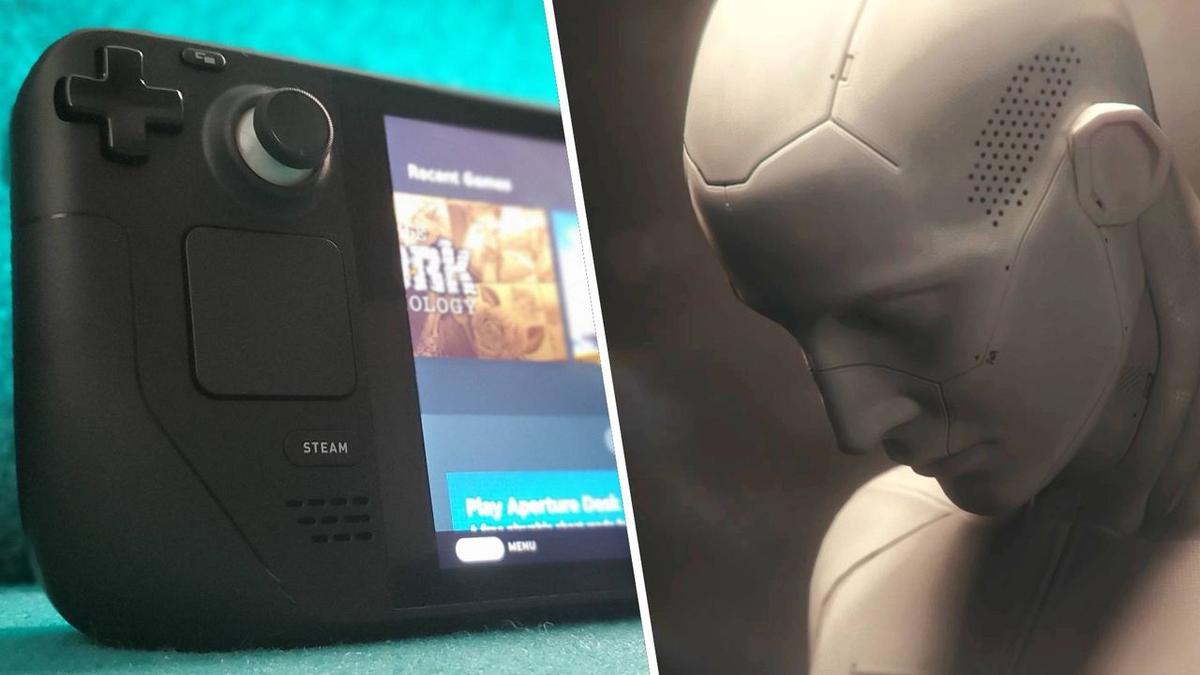
At EVE Fanfest 2026, CCP Games and developer Fenris Creations pulled back the curtain on EVE Frontier, their upcoming hardcore space survival spinoff. While building a persistent universe that runs on blockchain technology and complex survival loops is a massive undertaking, the development team has also been dedicating resources to an unofficial, passion-driven project: getting the game to run on Valve’s Steam Deck. Product Manager Scott McCabe and Game Director Sæmundur Hermannsson have referred to this initiative as a "side quest."
McCabe, who has been personally testing the game on a Steam Deck at his desk, has expressed that the ultimate goal is to get EVE Frontier into the hands of as many players as possible. However, translating a game with the lineage of EVE Online—affectionately known as "spreadsheets in space"—to a 7-inch handheld device presents unique design and programming challenges.
Designing Input: The Native Gamepad Shift
The most fundamental design shift between the original EVE Online and EVE Frontier lies in how inputs are mapped. Historically, EVE has been a mouse-and-keyboard-heavy game, relying on nested menus, window management, and precise click coordinates. Porting such a system to a controller typically results in clunky virtual mouse emulation, which is notoriously frustrating for players.
To prevent this, Fenris Creations built EVE Frontier with native gamepad support from the ground up. By embedding gamepad controls directly into the game's core architecture, the developers eliminated the largest barrier to Steam Deck compatibility. Rather than translating analog stick movements into cursor offsets, the game natively maps axes and buttons to pilot maneuvers, tactical menus, and spatial navigation.
This direct input architecture allows the Steam Deck's physical controls (joysticks, triggers, and face buttons) to correspond directly to in-game actions. Radial menus are utilized for quick inventory management and ship modifications, creating a fluid, console-like gameplay experience that feels natural on a handheld screen.
The Technical Obstacles: Launcher and Config Hurdles
While gamepad mapping represents a major design victory, the primary technical roadblocks currently preventing EVE Frontier from running out-of-the-box on Steam Deck are not related to hardware performance or graphics rendering. Instead, Game Director Sæmundur Hermannsson revealed that the primary culprit is the game’s custom launcher and configuration files.
When running Windows-based games on Linux-based SteamOS, Valve’s Proton translation layer handles system calls. However, custom launchers often struggle to resolve relative file paths, write configuration data to virtual registries, or authenticate user sessions across the sandbox boundary. In EVE Frontier, specific configuration files generated by the launcher fail to read properly under Proton's standard prefix directory structure.
Here is an architectural view of how configuration data flows between the launcher and the game executable, highlighting where the compatibility layer breaks down:
To bypass these launcher issues during internal testing, developers must manually copy configuration templates into the Proton prefix's virtual directory structure. This work-around allows the game executable to fetch the required boot settings directly, bypassing the broken launcher scripts.
Here is the general pathing layout for locating and correcting launcher config files under SteamOS:
`~/.local/share/Steam/steamapps/compatdata/[Game_ID]/pfx/drive_c/users/steamuser/AppData/Local/`
UI Scaling and Handheld Readability
Beyond launcher bugs, readability is the second major challenge for space simulators on handheld consoles. EVE Frontier features complex HUDs, resource charts, and systemic status readouts. On a standard 1080p desktop monitor, small text is crisp and readable. On the Steam Deck's 1280x800 resolution display, however, sub-12px font sizes become unreadable.
To address this, the design team is experimenting with dynamic UI scaling profiles. When the game detects a Steam Deck hardware signature, it increases the font size of critical telemetry data and expands the hitbox size for on-screen touch targets.
Here is a visual representation of how screen real estate is optimized for handheld layouts:
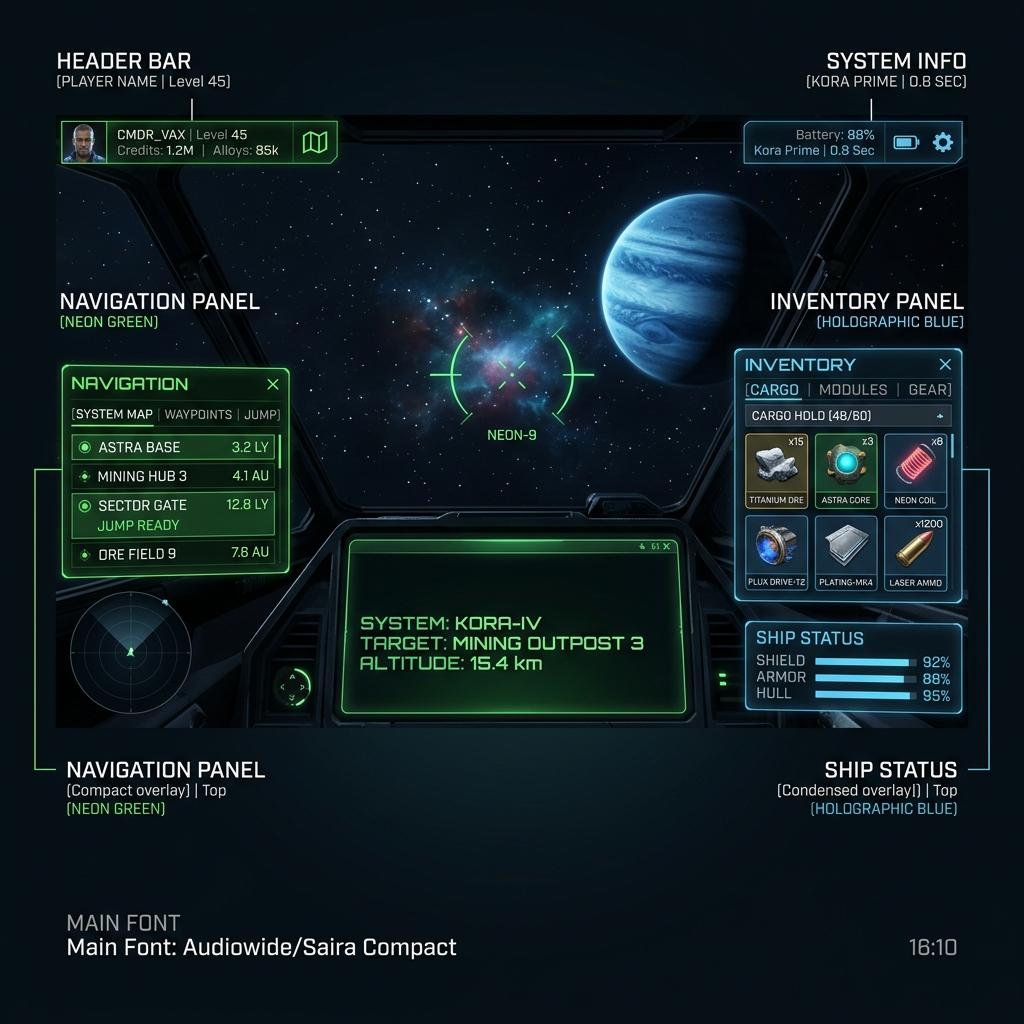
This UI layout allows players to monitor their ship's thermal state, hull integrity, and surrounding stellar anomalies without straining their eyes.
The Side Quest Continues
While EVE Frontier’s Steam Deck support is currently a passion project rather than an officially committed launch feature, the developer "side quest" highlights a growing trend in PC game development. Designing games with native gamepad support and clean launcher architectures from the beginning makes them infinitely more adaptable to the modern landscape of handheld gaming PCs.
As Fenris Creations continues playtesting, resolving the remaining launcher configuration bugs will be the key to turning this desk-side experiment into a fully certified Steam Deck experience.
At White Cube Studios, we translate technical architecture into shipping systems across our specialized development pillars: